Bite & Bliss — QR Code Ordering Software
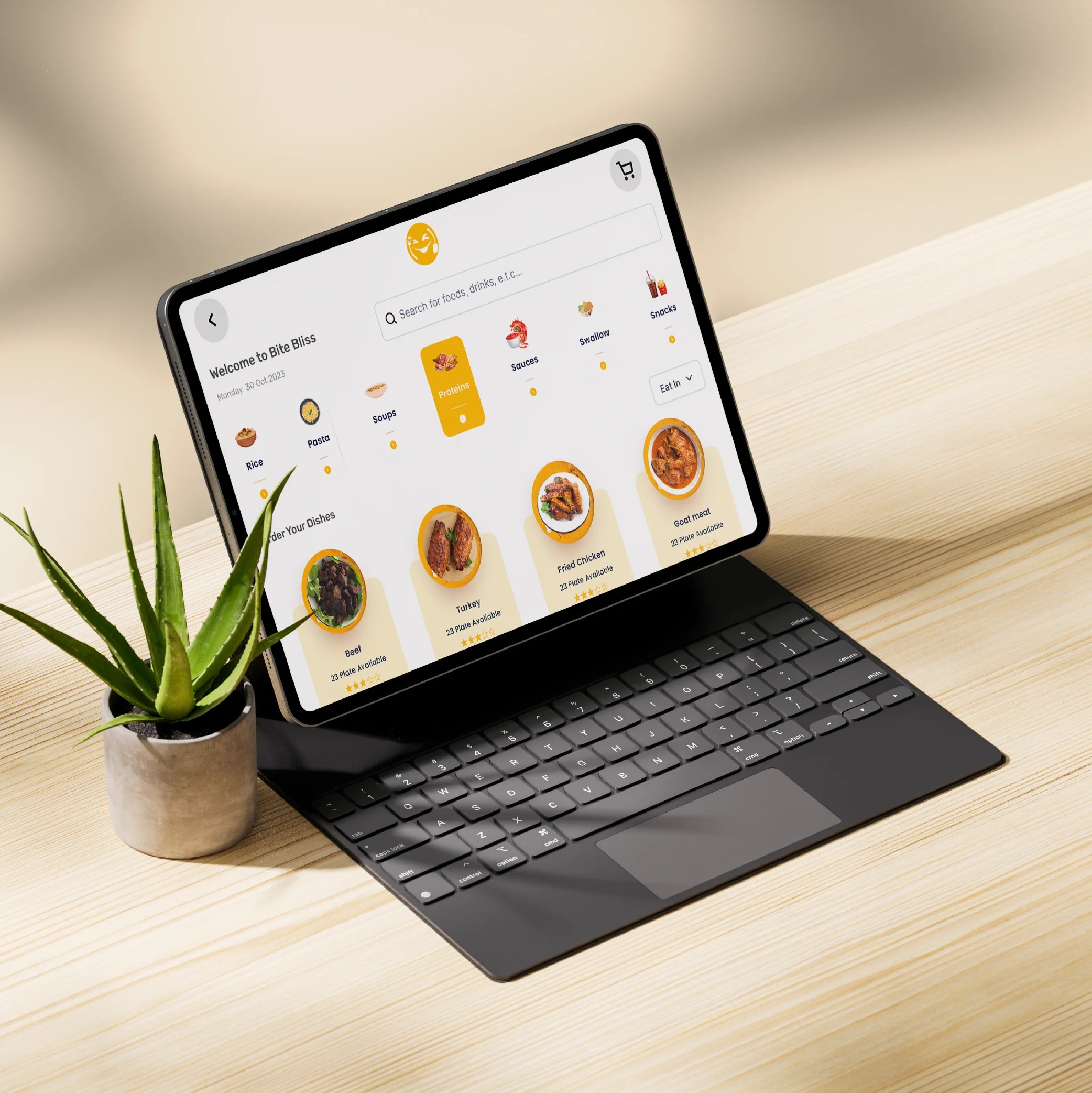
A mobile-first ordering system that reduces staff workload and increases table turnover — without sacrificing the dining experience.
- Client
- Conceptual Project
- Year
- 2024
- Industry
- Restaurant & Hospitality Technology
- Location
- Nigeria
The problem · 1/5
Designing a QR code ordering system presents unique challenges that balance customer experience with restaurant operations. The key challenges were:
Designing for a Distracted Environment: Diners are often in a social setting—they're talking, eating, and distracted. The interface needed to be so intuitive that users could complete an order without having to focus entirely on their phone.
Eliminating the "QR Code Stigma": Many users associate QR codes with clunky, poorly designed experiences. The design needed to feel polished, fast, and trustworthy from the moment the camera scans the code.
Building Trust with Payments: Entering payment details on a personal device in a public setting can feel risky. The design needed to communicate security and reliability at every step.
Accommodating Diverse Users: The system needs to work for a tech-savvy 20-year-old and a 60-year-old who has never ordered from a phone before. The UX needed to be universally accessible.
Supporting Restaurant Operations: The design wasn't just for customers—it had to integrate with the restaurant's workflow, ensuring orders reached the kitchen accurately and payments were processed seamlessly.
Creating a Repeatable Design System: The concept needed to be adaptable across different restaurant brands, cuisines, and menu structures—not just a one-off design.
Key features · 2/5
QR Code Instant Access
Customers scan a QR code at their table to instantly access the ordering interface—no app download required, no waiting for staff.
Mobile-First Ordering Flow
A step-by-step journey designed for one-handed mobile use: Scan → Browse → Customize → Review → Pay → Confirm.
Visual Menu Browsing
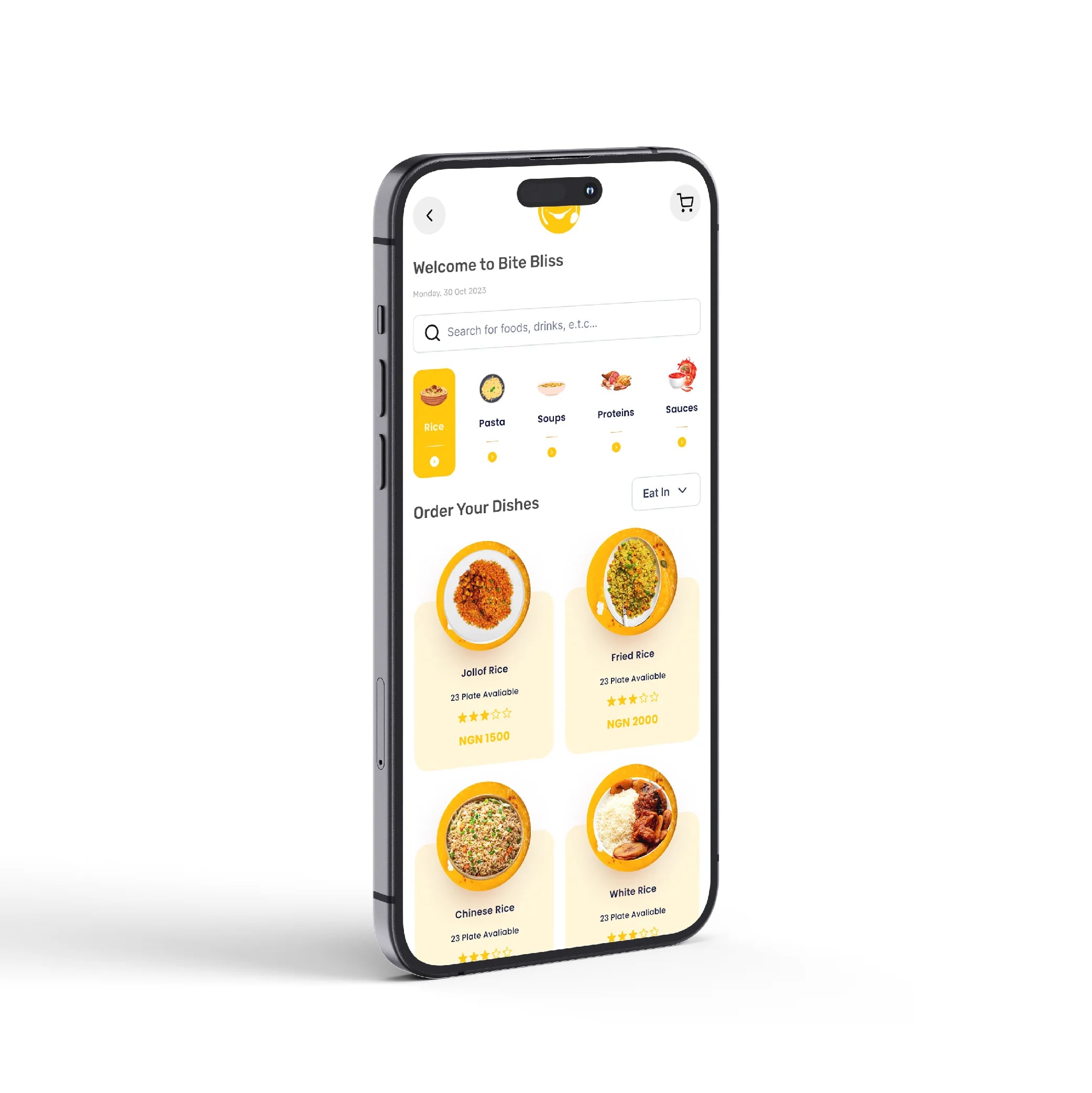
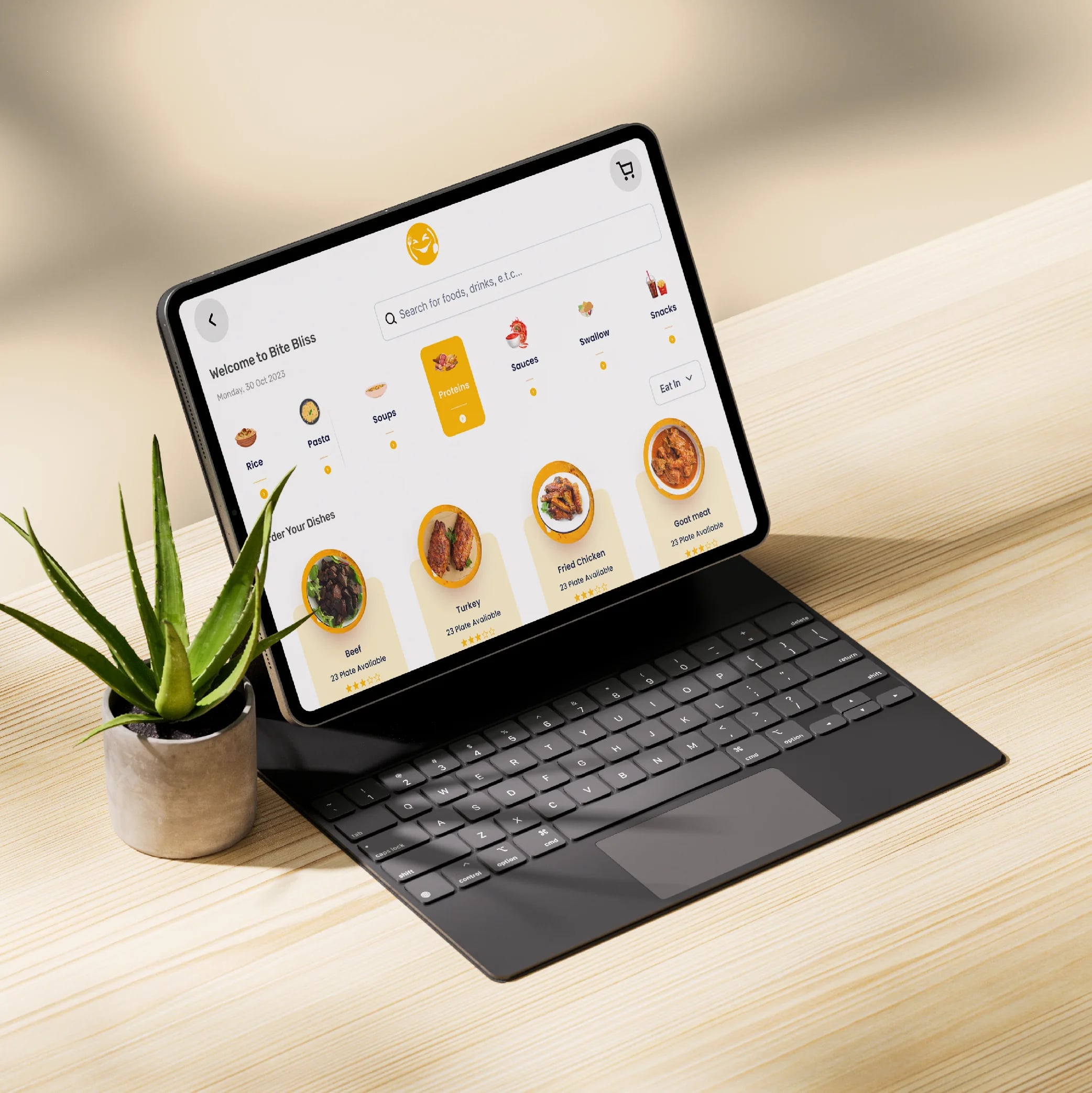
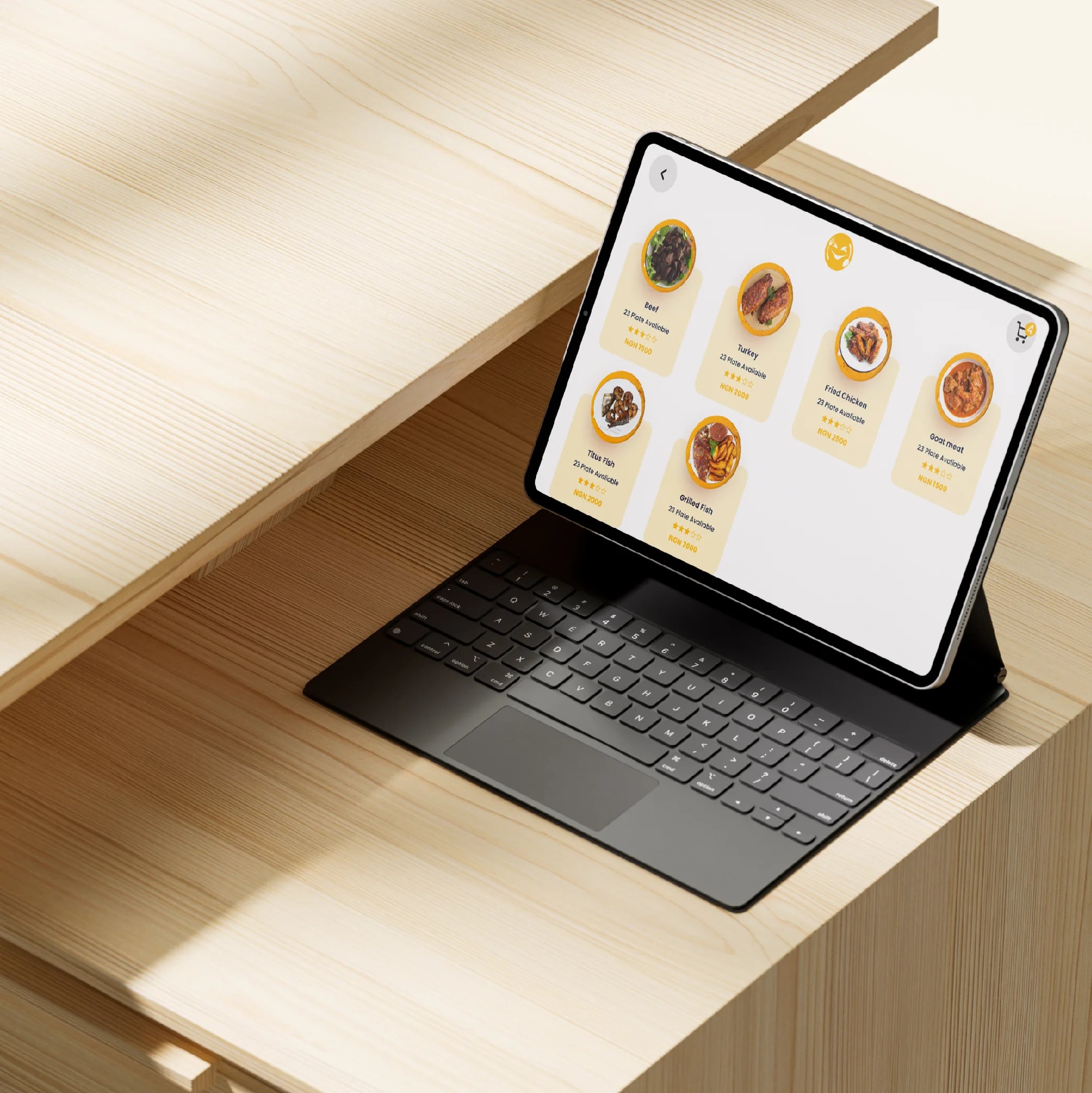
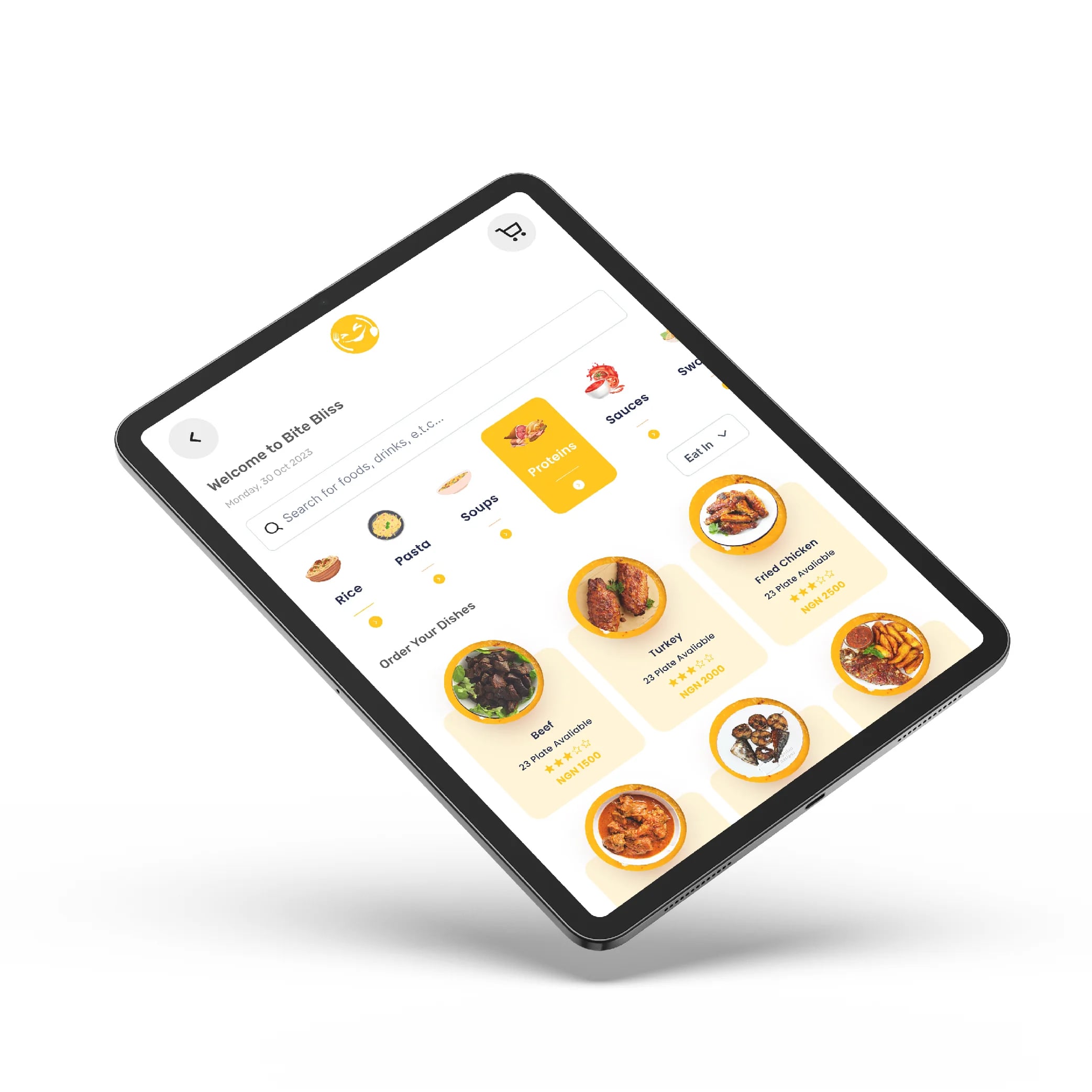
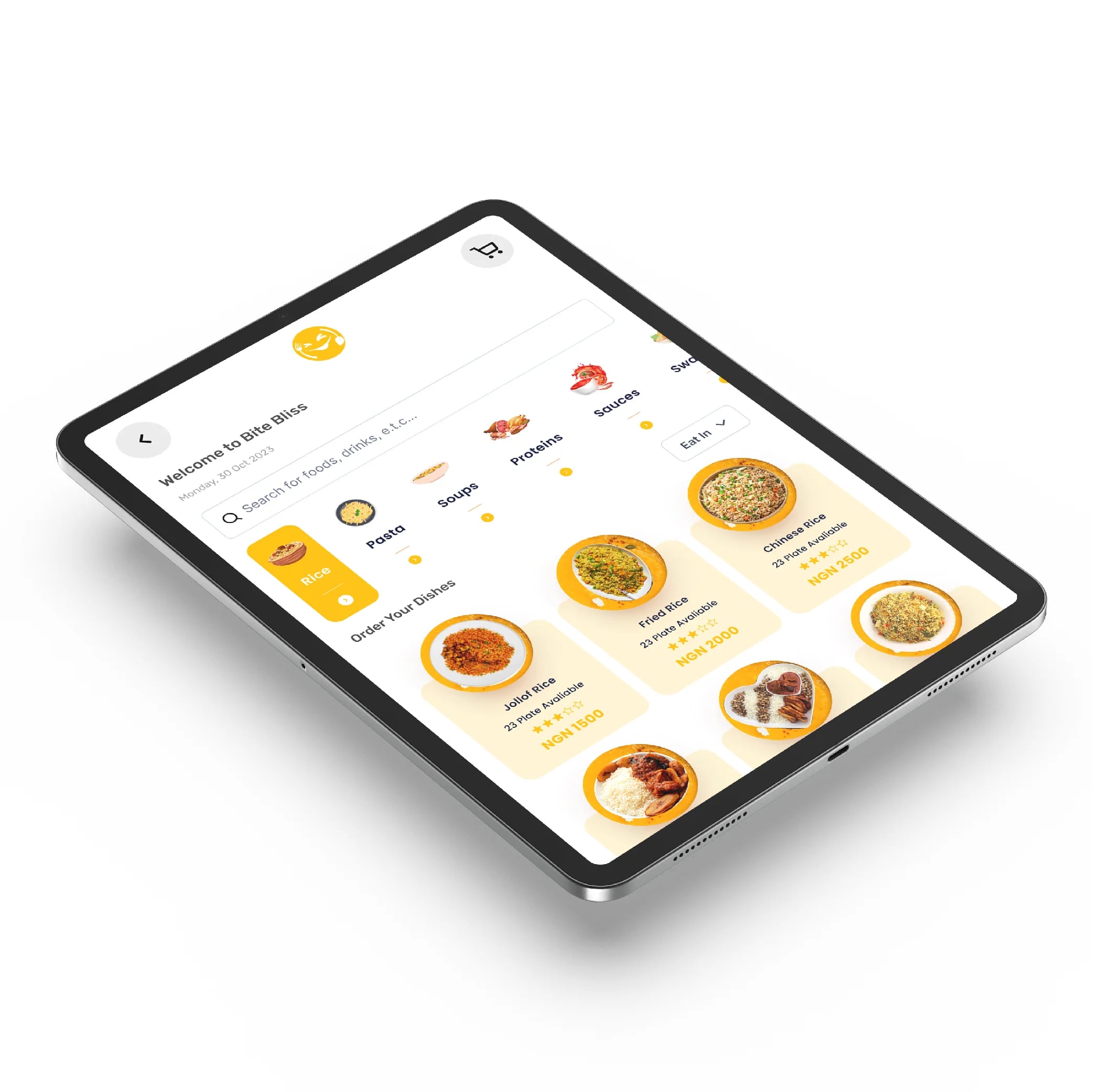
Category-based menu with visual dish cards, dietary filters, search functionality, and "Popular" recommendations for easy discovery.
Key features (cont.) · 3/5
Seamless Order Customization
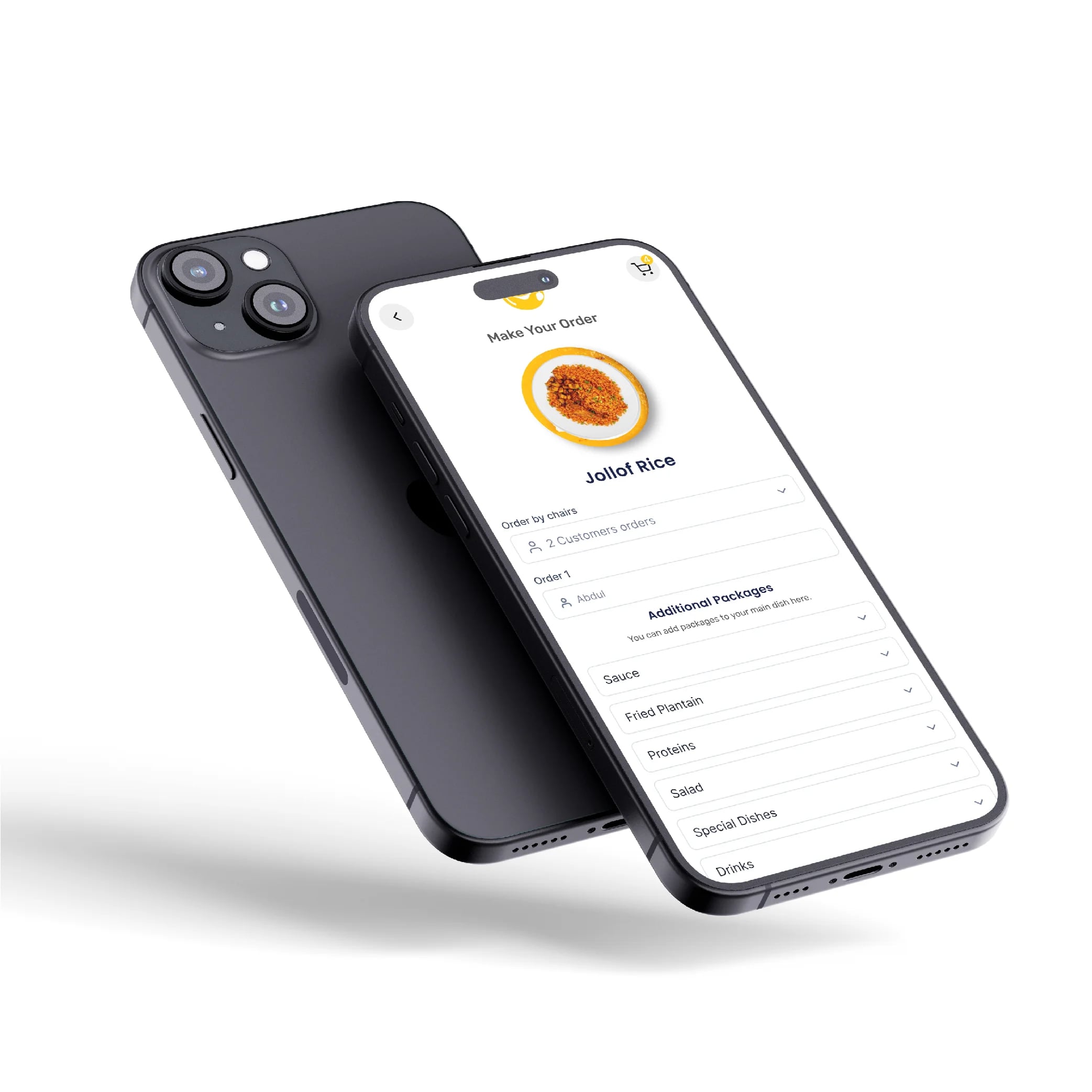
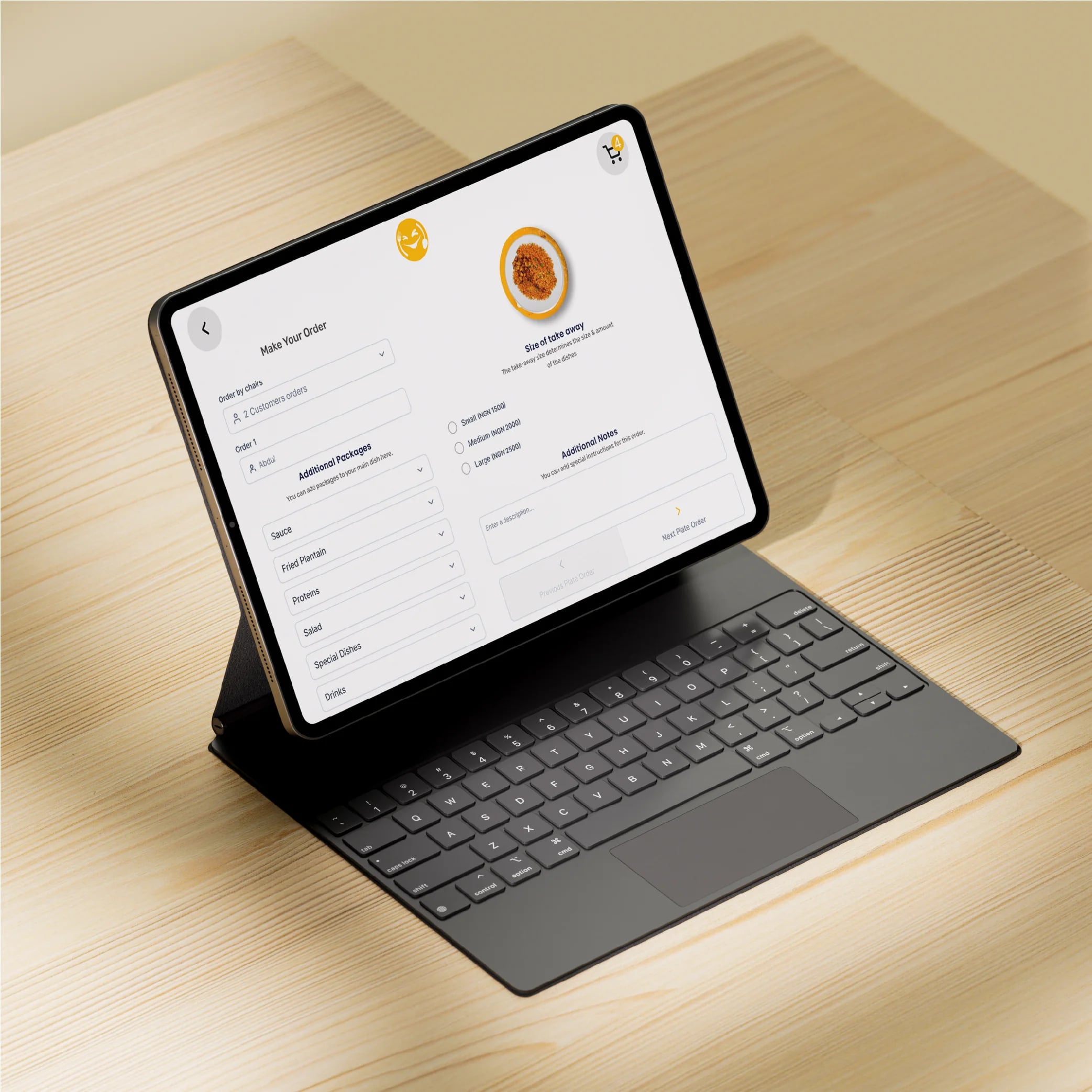
Intuitive flow for modifying dishes with real-time price updates, quantity selectors, and special request options.
Real-Time Order Tracking
Live order status updates (Received → Preparing → Ready to Serve) so customers know exactly when their food is coming.
Scalable Design System
A component-based design system in Figma with consistent patterns—easily adaptable across different restaurant brands and cuisines.
Key features (cont.) · 4/5
Interactive Prototype
A clickable Figma prototype demonstrating the complete ordering journey for stakeholder testing and developer handoff.
The result · 5/5
I designed a complete QR code ordering experience using Figma, addressing every challenge:
Design & User Experience:
Created a clean, mobile-first interface optimized for one-handed use
Implemented a linear, step-by-step ordering flow: Scan → Browse → Customize → Review → Pay → Confirm
Used large tap targets, clear typography, and ample whitespace for easy navigation
Designed with a "glanceable" philosophy—users can find what they need in seconds
Menu Browsing & Discovery:
Designed a category-based menu with visual dish cards (image, name, price, description)
Included filters for dietary preferences (vegetarian, vegan, gluten-free)
Added a search function for users who know what they want
Featured "Popular" and "Chef's Recommendations" sections to guide indecisive diners
Order Customization:
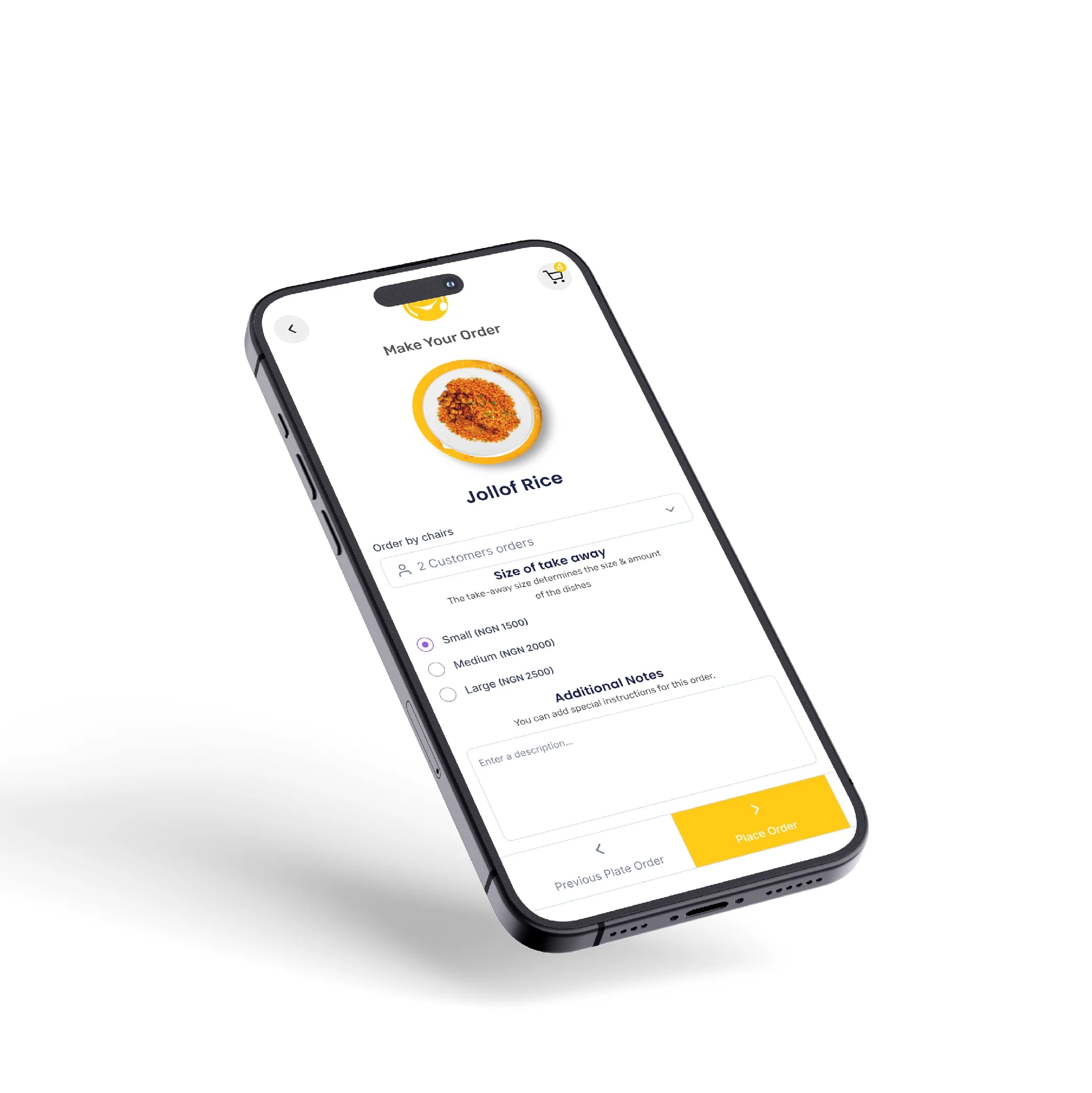
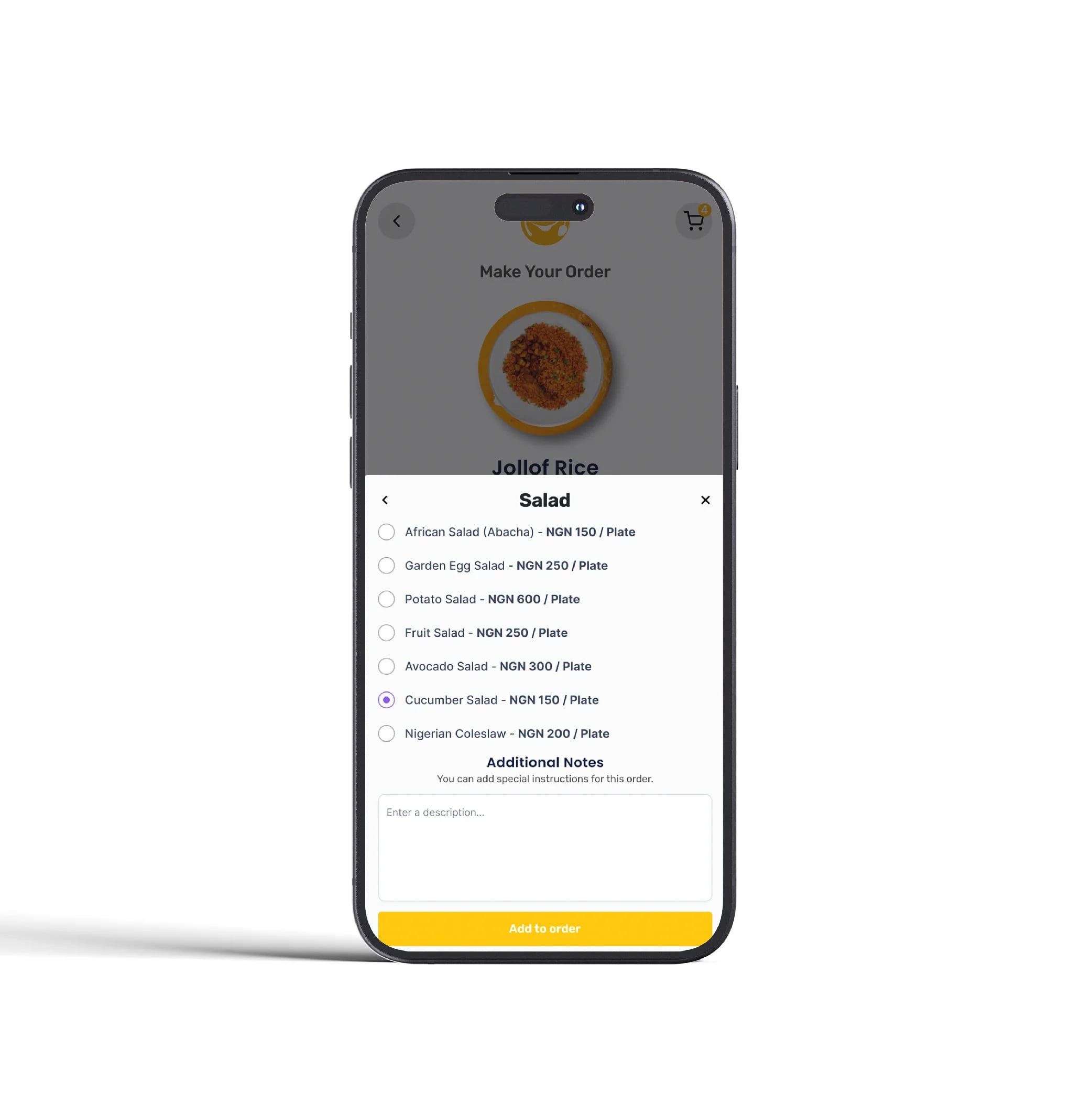
Designed an intuitive customization flow for modifying dishes (size, extras, special requests)
Included real-time price updates as options are added or removed
Added quantity selectors and a clear "Add to Cart" interaction
Payment & Checkout:
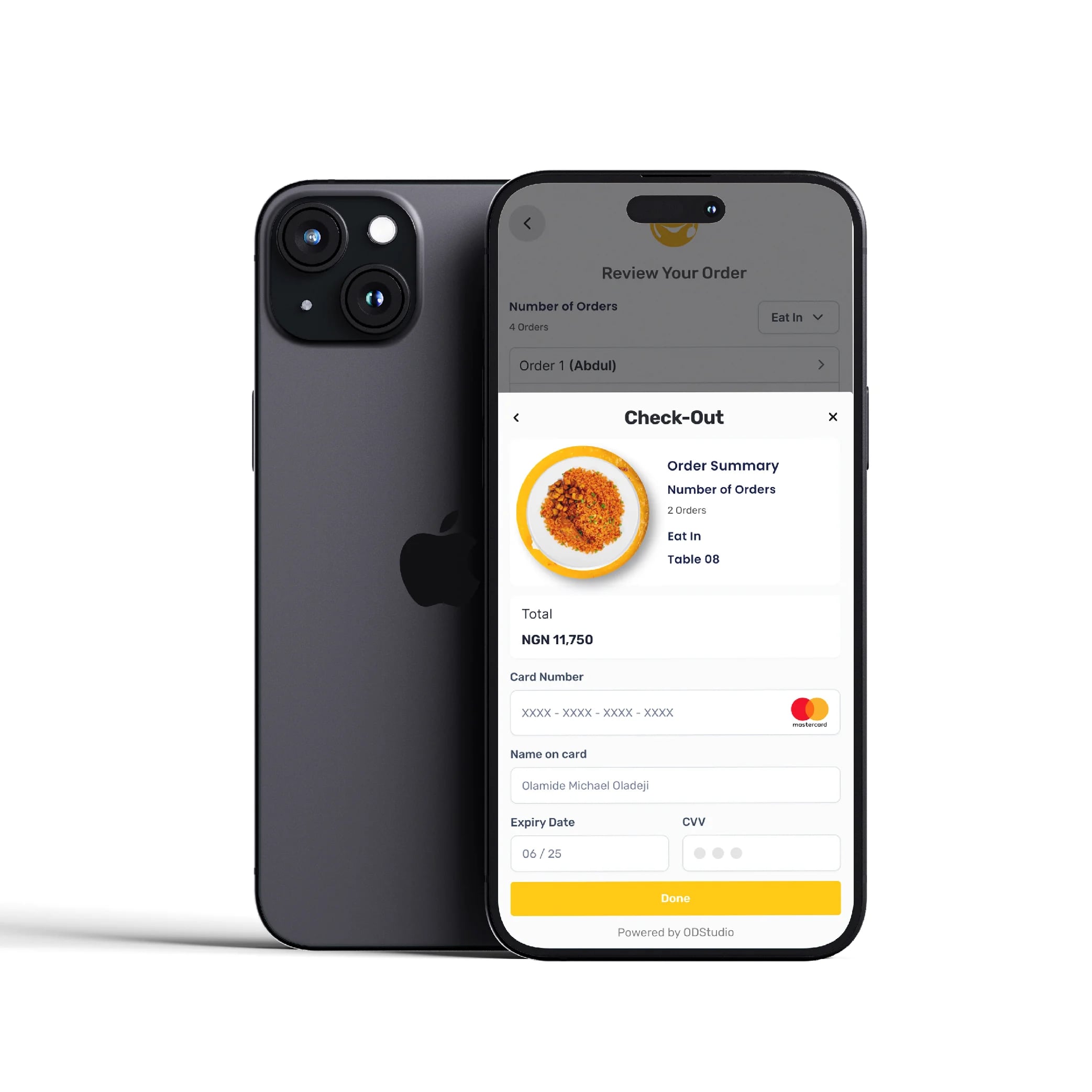
Designed a secure, integrated payment flow with multiple options (card, Apple Pay, Google Pay)
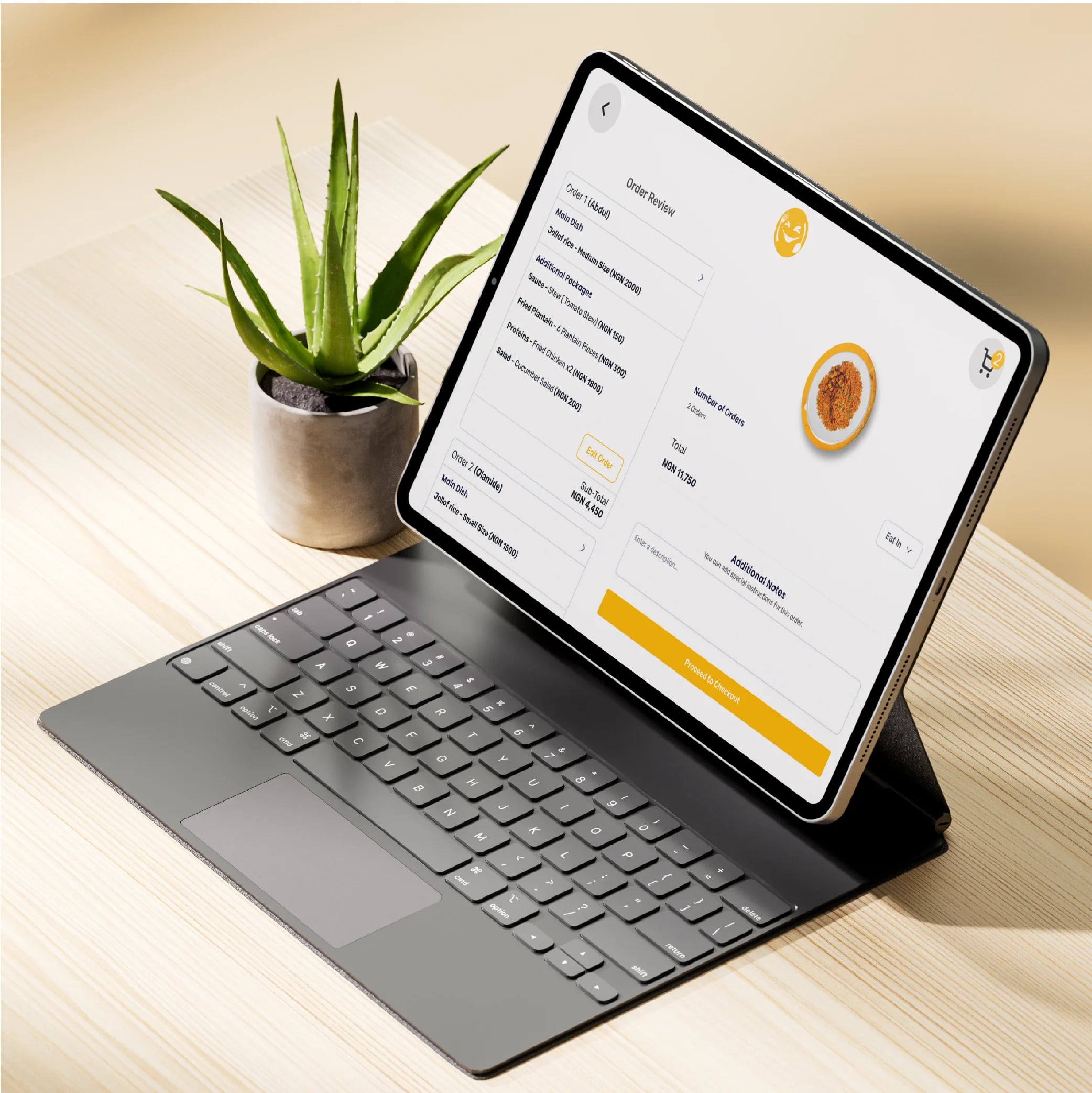
Included order summary and tipping options before final confirmation
Created a clear confirmation screen with order number and estimated wait time
Order Tracking:
Designed a real-time order status screen (Received → Preparing → Ready to Serve)
Included a digital receipt accessible from the confirmation screen
Added an option to call a waiter or request assistance directly from the interface
Scalable Design System:
Built a component-based design system in Figma with consistent spacing, typography, and color
Created reusable patterns for menus, categories, cards, and modals
Designed with brand flexibility in mind—easily adaptable to different restaurant identities
Tools & Process:
Figma: Primary design and prototyping tool
User Flows: Mapped the complete ordering journey before design
Wireframes: Low-fidelity wireframes to validate structure before high-fidelity UI
Prototyping: Interactive Figma prototype to demonstrate the complete flow
Video
Figma
Gallery
Related work